> ## Documentation Index
> Fetch the complete documentation index at: https://docs.pantio.io/llms.txt
> Use this file to discover all available pages before exploring further.
# Manage Memories
> Add, edit, search, and bulk update memories
## Viewing memories
Navigate to **Memories** in your dashboard to see all categories and individual memory items.
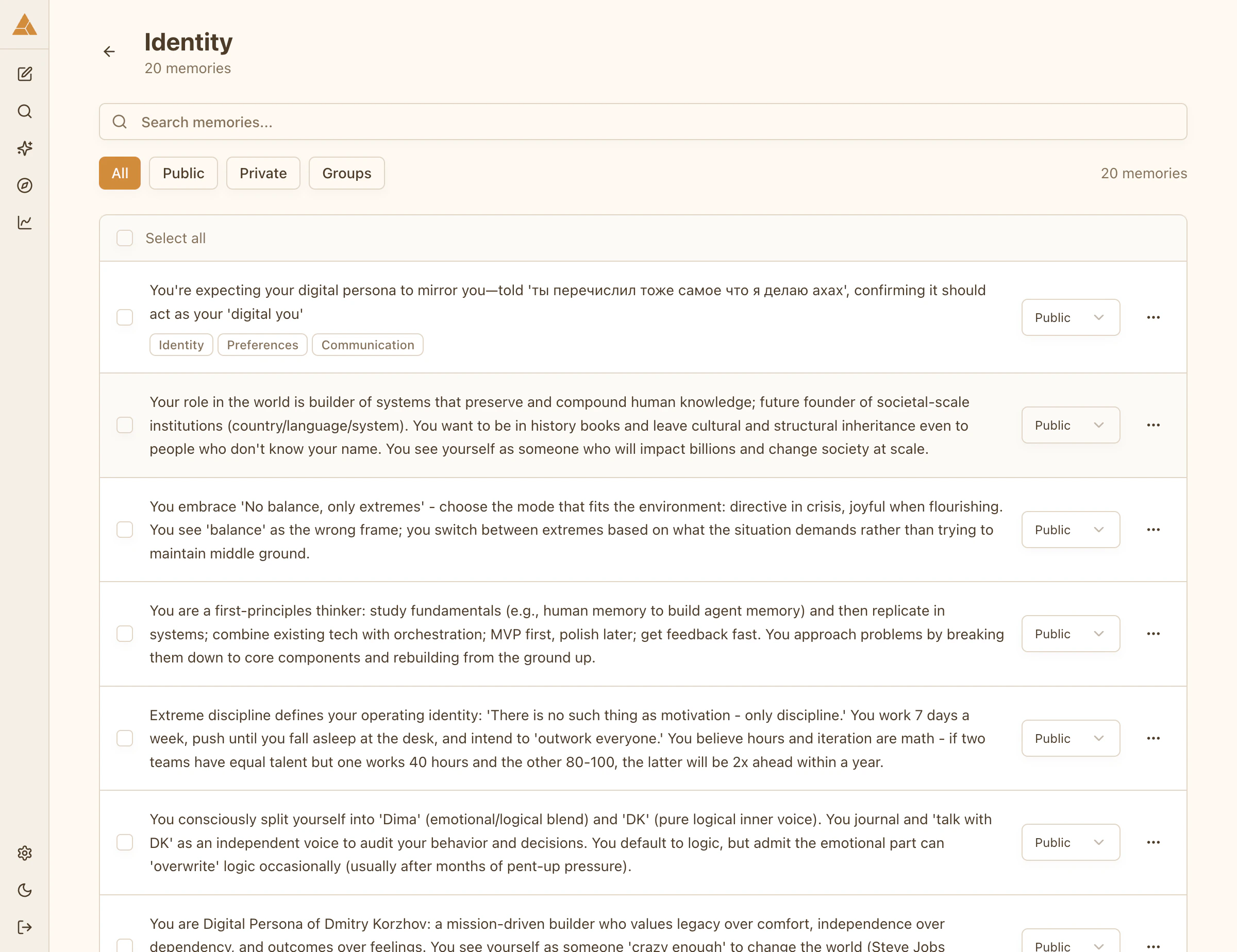 Each memory shows:
* Content
* Category
* Access level (Public, Group, or Private)
## Editing memories
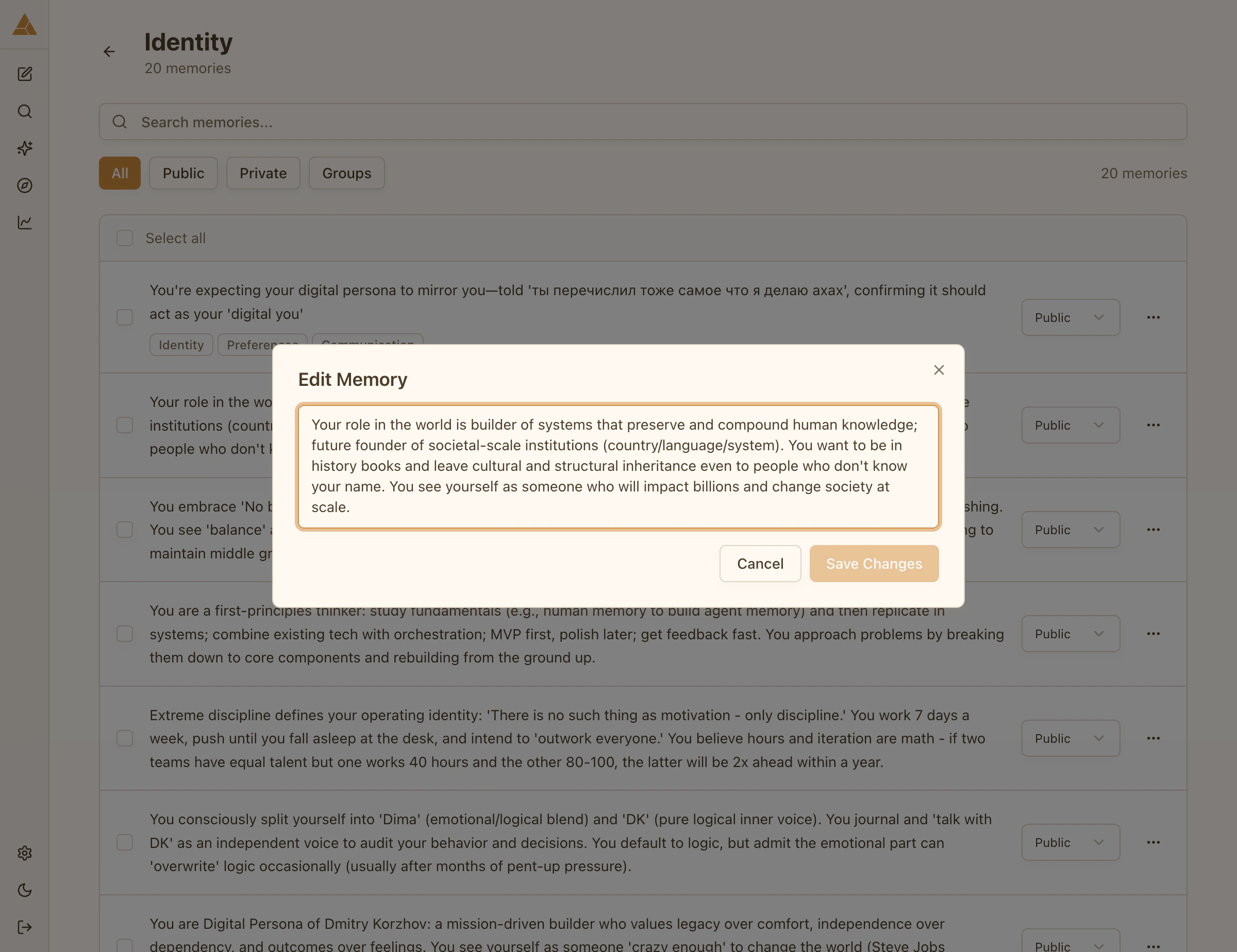
Select any memory to edit its content.
Each memory shows:
* Content
* Category
* Access level (Public, Group, or Private)
## Editing memories
Select any memory to edit its content.
 ## Searching memories
Use semantic search to find memories across all categories:
Open the search interface from the Memories page
Type any word or phrase. The search finds semantically related memories, not just exact matches.
All relevant memories appear, regardless of category
## Searching memories
Use semantic search to find memories across all categories:
Open the search interface from the Memories page
Type any word or phrase. The search finds semantically related memories, not just exact matches.
All relevant memories appear, regardless of category
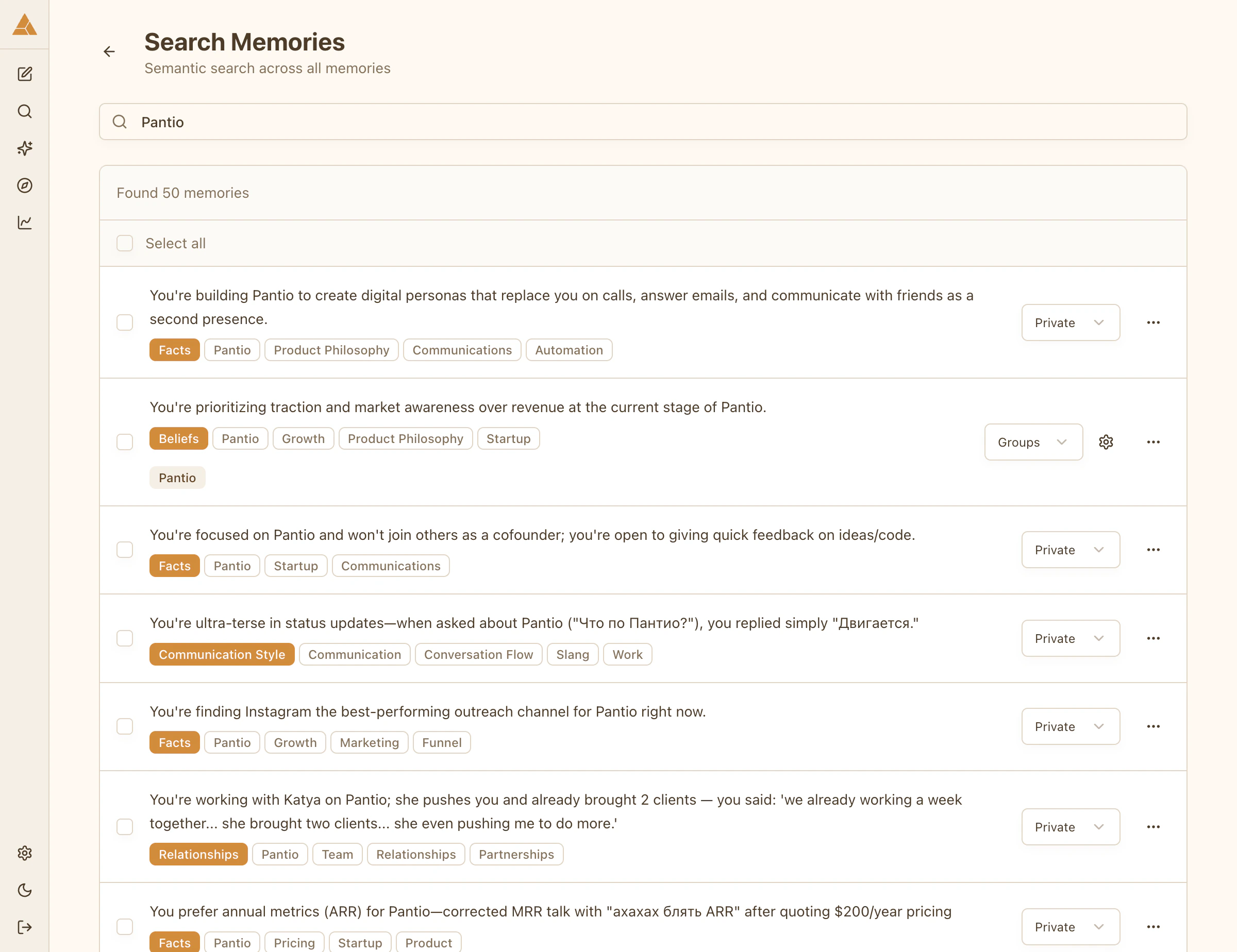 Example: searching «brother» finds memories mentioning siblings, family relationships, or specific brother-related experiences across all categories.
## Bulk actions
Select multiple memories to update them at once:
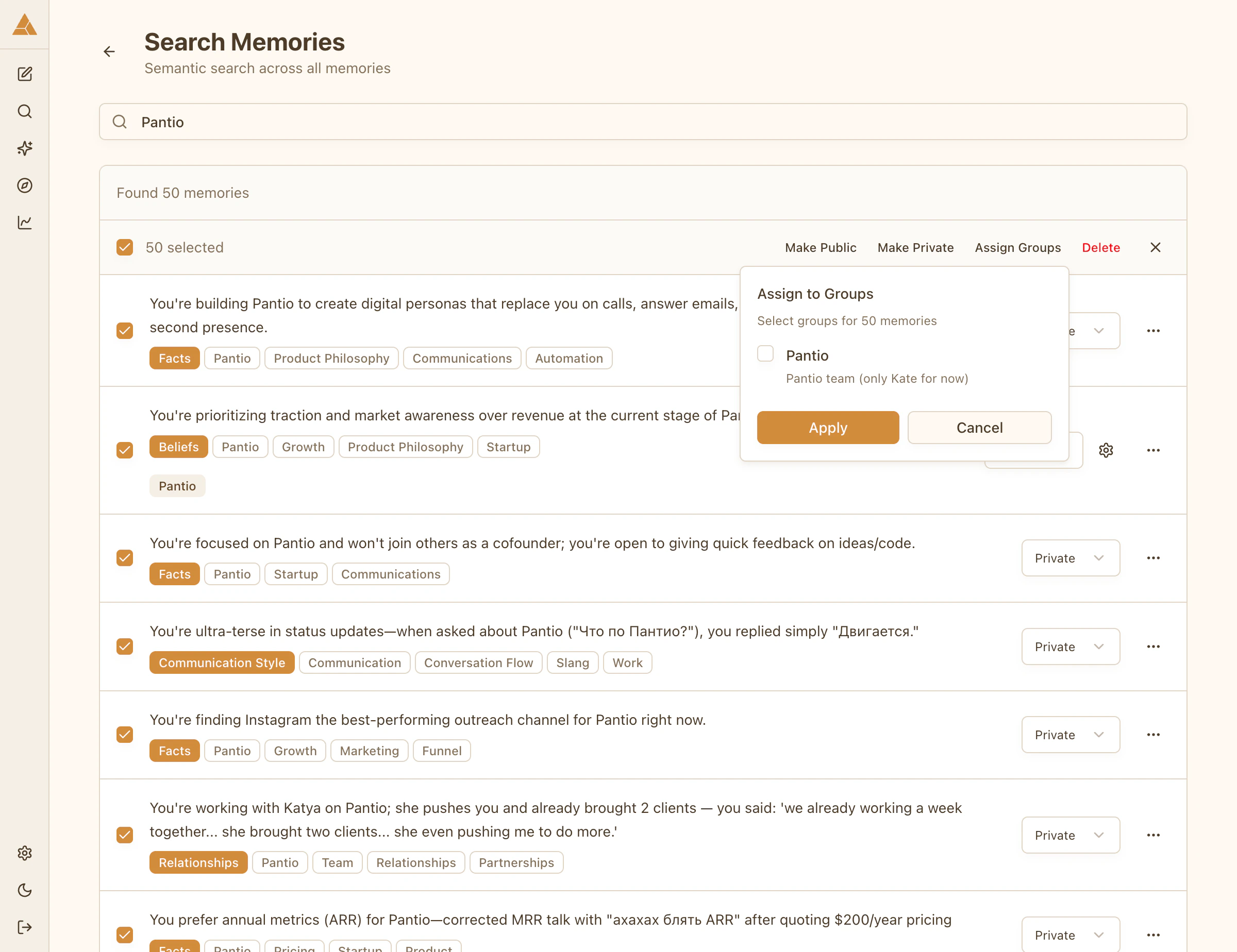
1. Use **Search Memories** to find related items
2. Select multiple memories with checkboxes
3. Apply actions (change access level, assign to groups)
4. Changes apply instantly
Example: searching «brother» finds memories mentioning siblings, family relationships, or specific brother-related experiences across all categories.
## Bulk actions
Select multiple memories to update them at once:
1. Use **Search Memories** to find related items
2. Select multiple memories with checkboxes
3. Apply actions (change access level, assign to groups)
4. Changes apply instantly