> ## Documentation Index
> Fetch the complete documentation index at: https://docs.pantio.io/llms.txt
> Use this file to discover all available pages before exploring further.
# Analytics
> Monitor conversations, users, and activity
Track how people interact with your persona: external chats, unique users, total messages, and activity over time.
Navigate to **Analytics** to see all metrics.
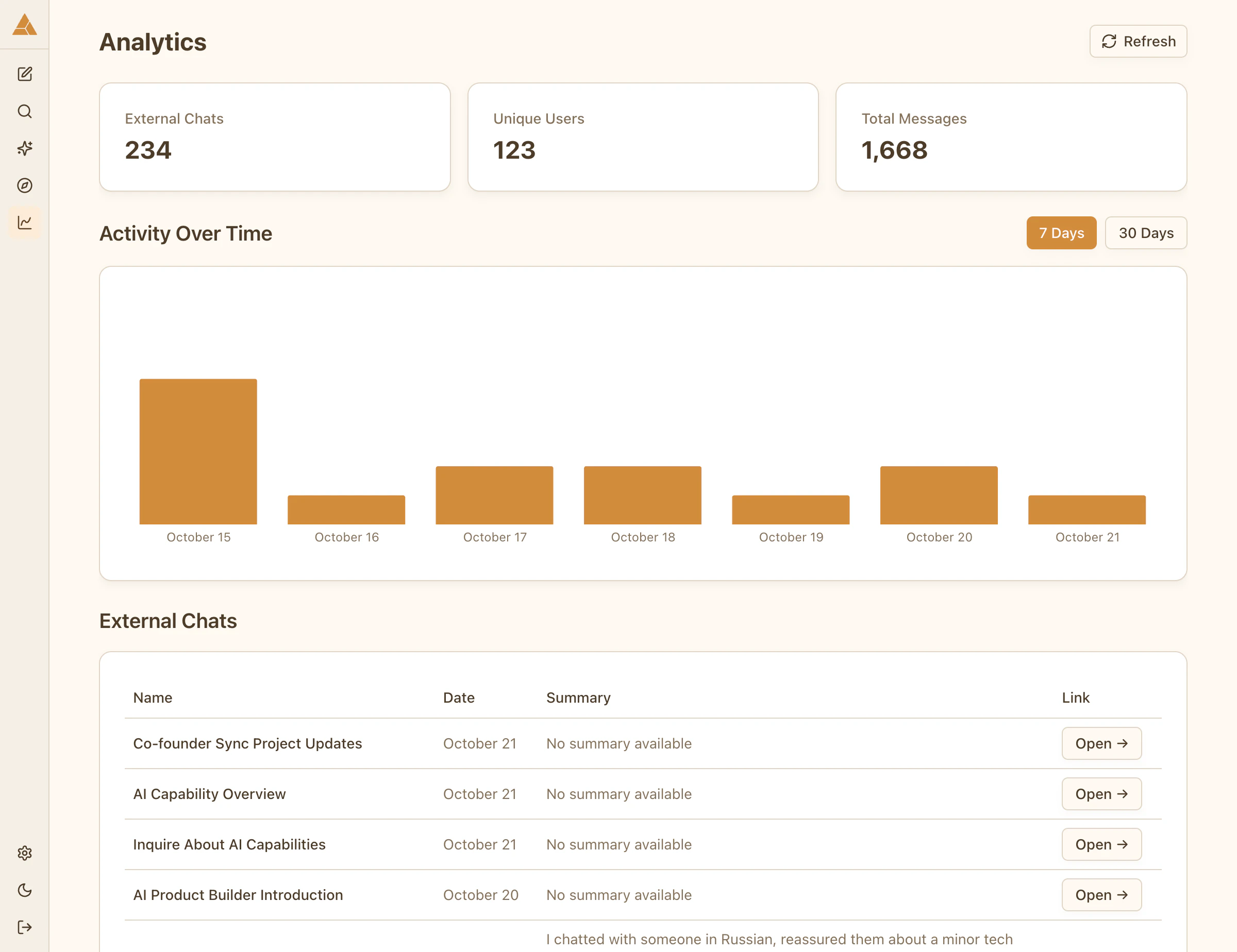 ## Key metrics
Total number of conversation threads
Number of distinct people who chatted with your persona
All messages sent across all conversations
## Activity over time
View conversation activity in time periods:
* Last 7 days
* Last 30 days
* Custom range
The chart shows:
* Number of chats per day
* Spikes in activity
* Usage trends
## Key metrics
Total number of conversation threads
Number of distinct people who chatted with your persona
All messages sent across all conversations
## Activity over time
View conversation activity in time periods:
* Last 7 days
* Last 30 days
* Custom range
The chart shows:
* Number of chats per day
* Spikes in activity
* Usage trends