

Adding knowledge
Expand your persona’s knowledge by uploading external content. Uploaded files are processed and integrated into your memory system.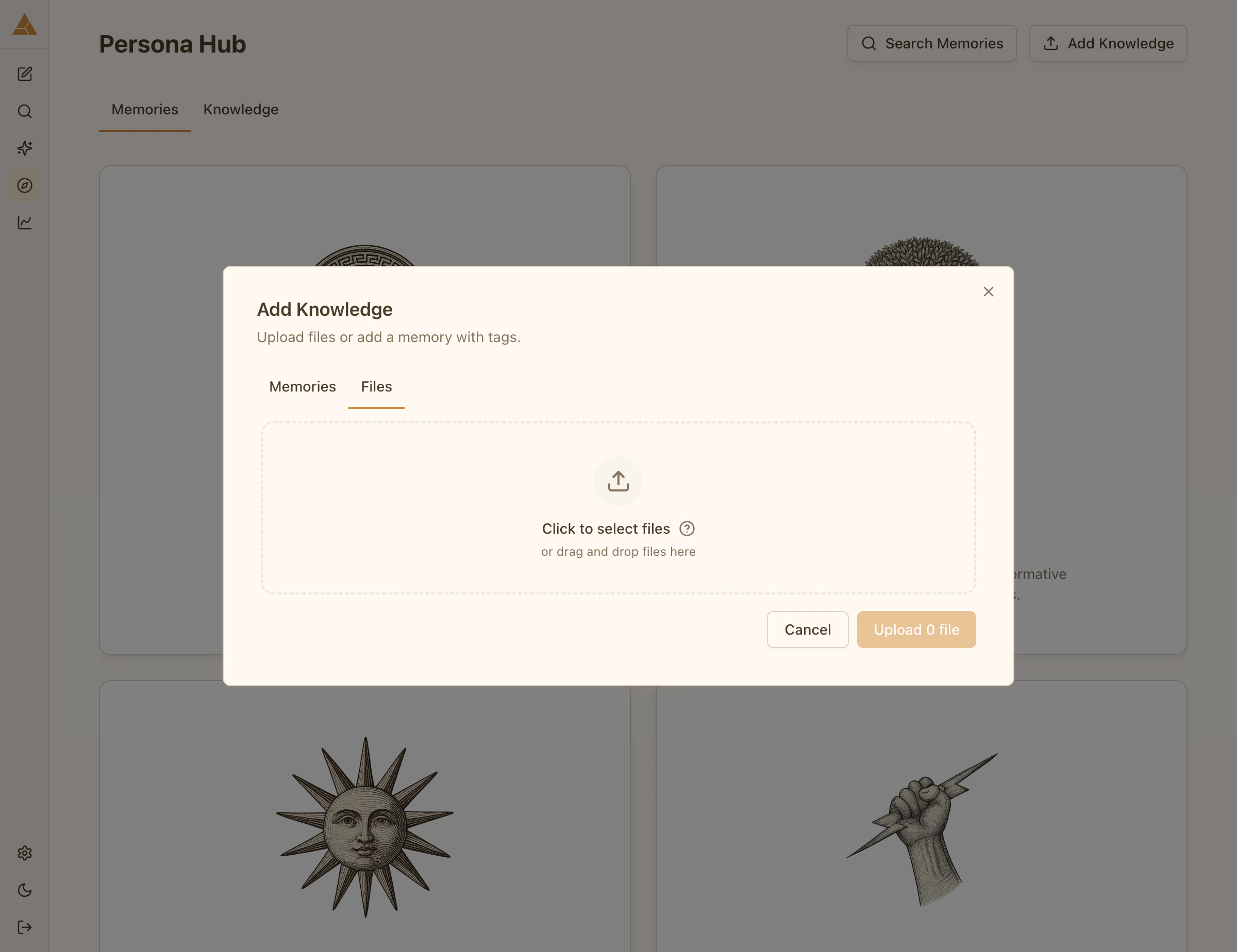
Supported formats
You can upload:- PDF files
- Text documents
- Any text-based content
Upload process
1
Upload file
Select Add Knowledge and upload your file
2
Processing
The file is analyzed and converted into structured memories
3
Ready
New memories appear in relevant categories and are immediately available to your persona
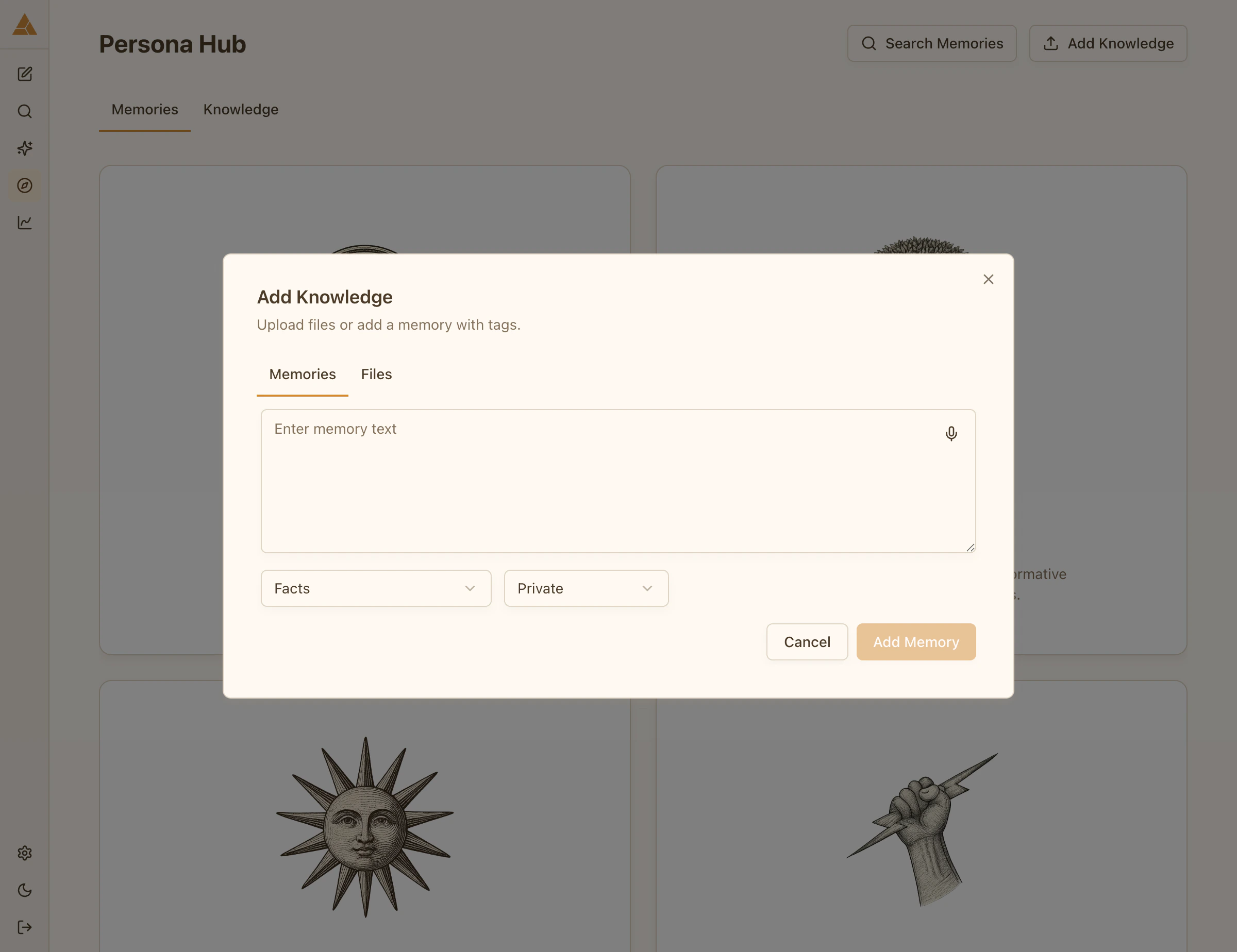
After upload
Once processed, uploaded knowledge:- Appears in the appropriate memory categories
- Gets a default access level (you can change it)
- Becomes part of your persona’s knowledge base
Use Search Memories to find and review newly added content, then adjust access levels as needed.