

Setting persona visibility
Navigate to Settings → Access to configure your persona’s visibility level.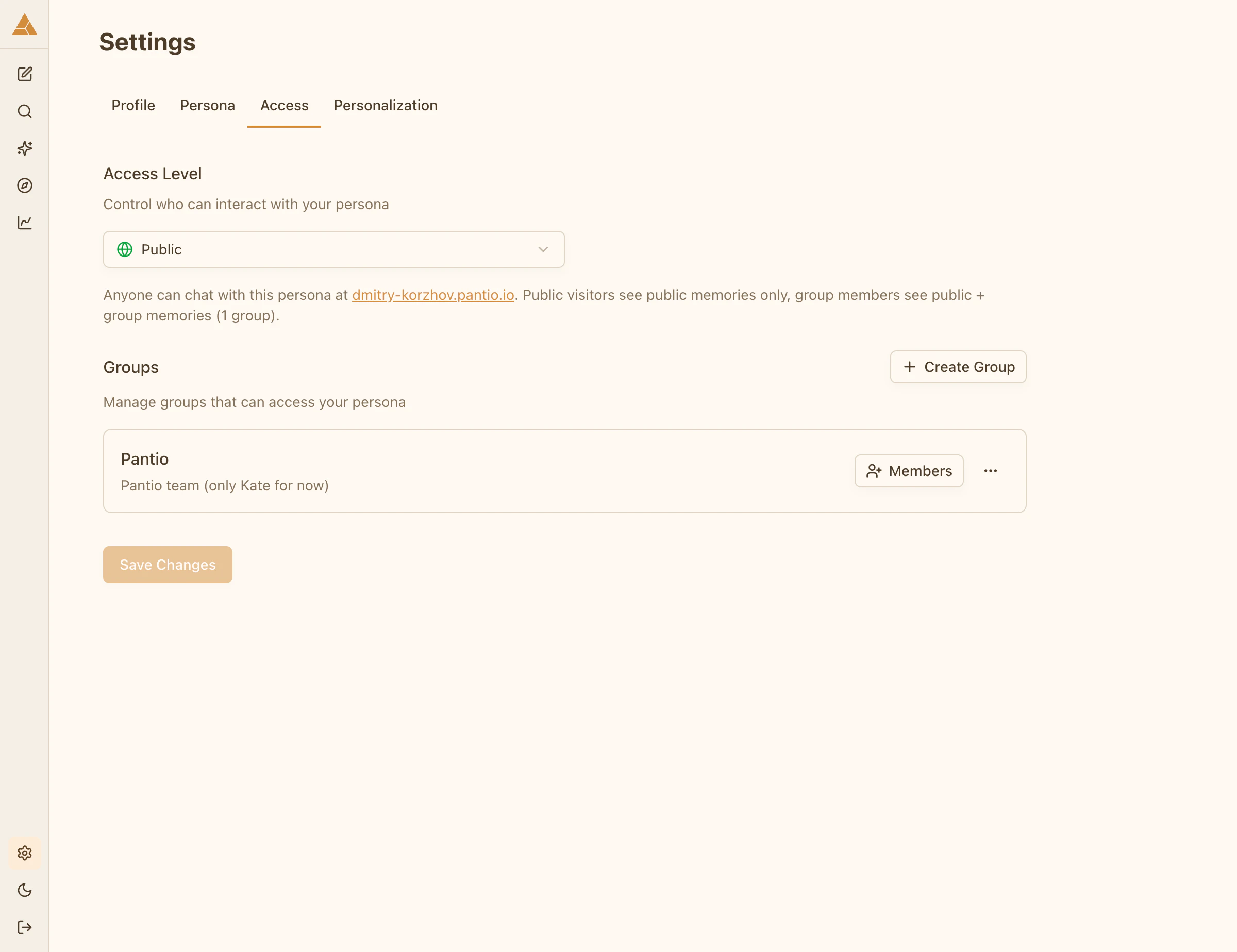
Public
Your persona is available atyour-username.pantio.io.
Anyone can:
- Visit your persona page
- Chat with your persona
- See public memories only
Groups only
Your persona page is accessible only to you and group members you invite. Group members can:- Log into Pantio
- Access your persona
- See public memories + memories assigned to their group
Private
Your persona is completely private. Only you have access. Use case: You’re testing, building your persona, or simply want to keep everything private.When set to Private, your public page is not accessible and no one can interact with your persona except you.
Switching visibility
You can change visibility at any time. Changes apply instantly.1
Go to Settings → Access
Navigate to the Access tab
2
Select visibility level
Choose Public, Groups only, or Private
3
Done
Your persona visibility updates immediately