

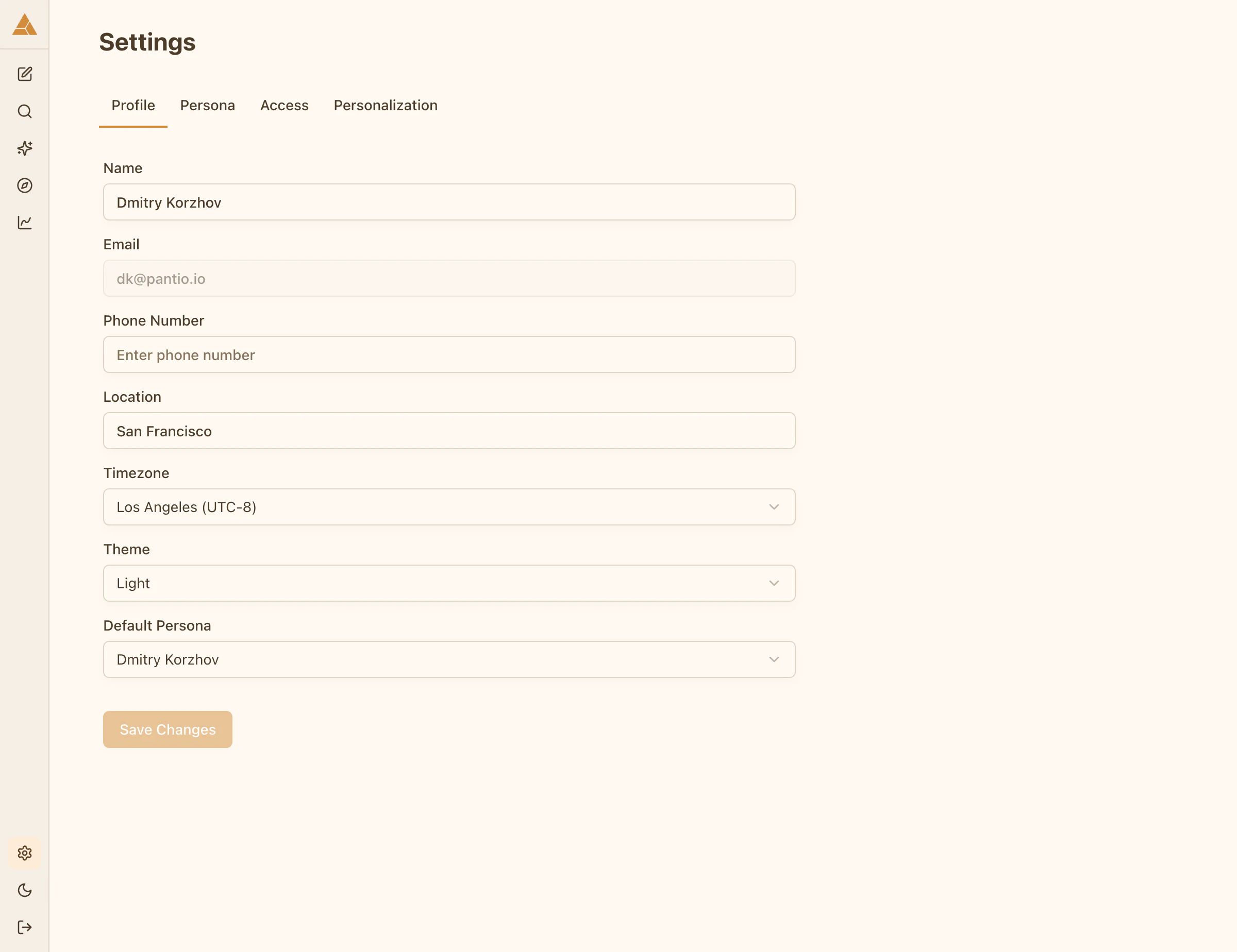
Profile
Basic information about you:- Name
- Phone number
- Location
- Timezone
Persona settings
Configure how your persona operates: Languages: Select languages your persona can speak- Add primary language
- Add additional languages
- Your persona responds in the language it’s addressed in
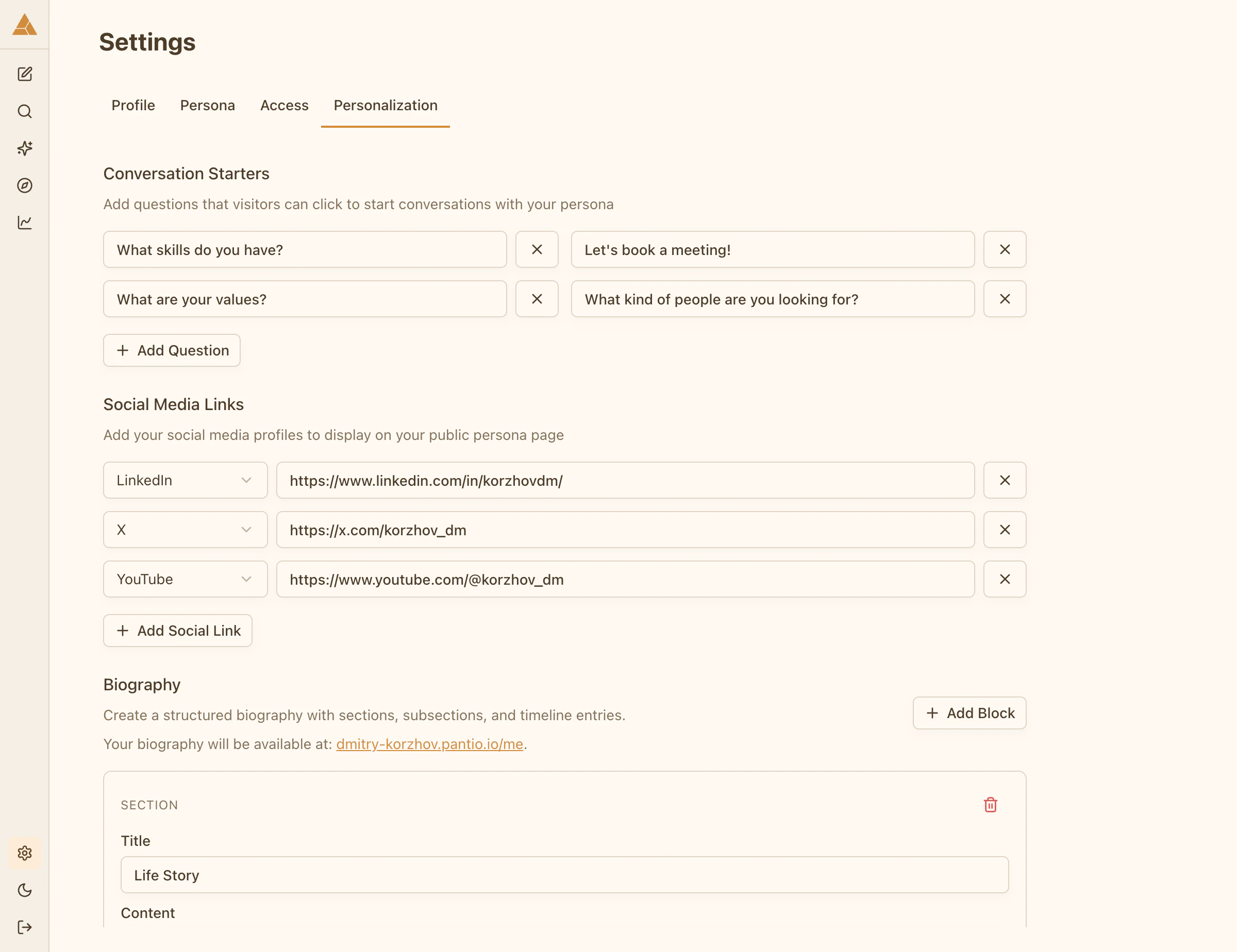
Personalization
Customize your persona page and public presence:Bio
Short description that appears on your persona page.Starter questions
Suggested questions visitors can use to start conversations.Social links
Your social media profiles (LinkedIn, X, YouTube, etc.). Navigate to Settings → Personalization to customize.Access control
Manage visibility and groups:- Visibility: Public / Groups only / Private
- Groups: Create and manage groups
Learn more in Set visibility and Manage groups.