Interview
Interview mode lets your persona interview you. Your persona asks you questions about your life, experiences, and thoughts through voice conversations, then automatically extracts memories from your responses to expand its knowledge.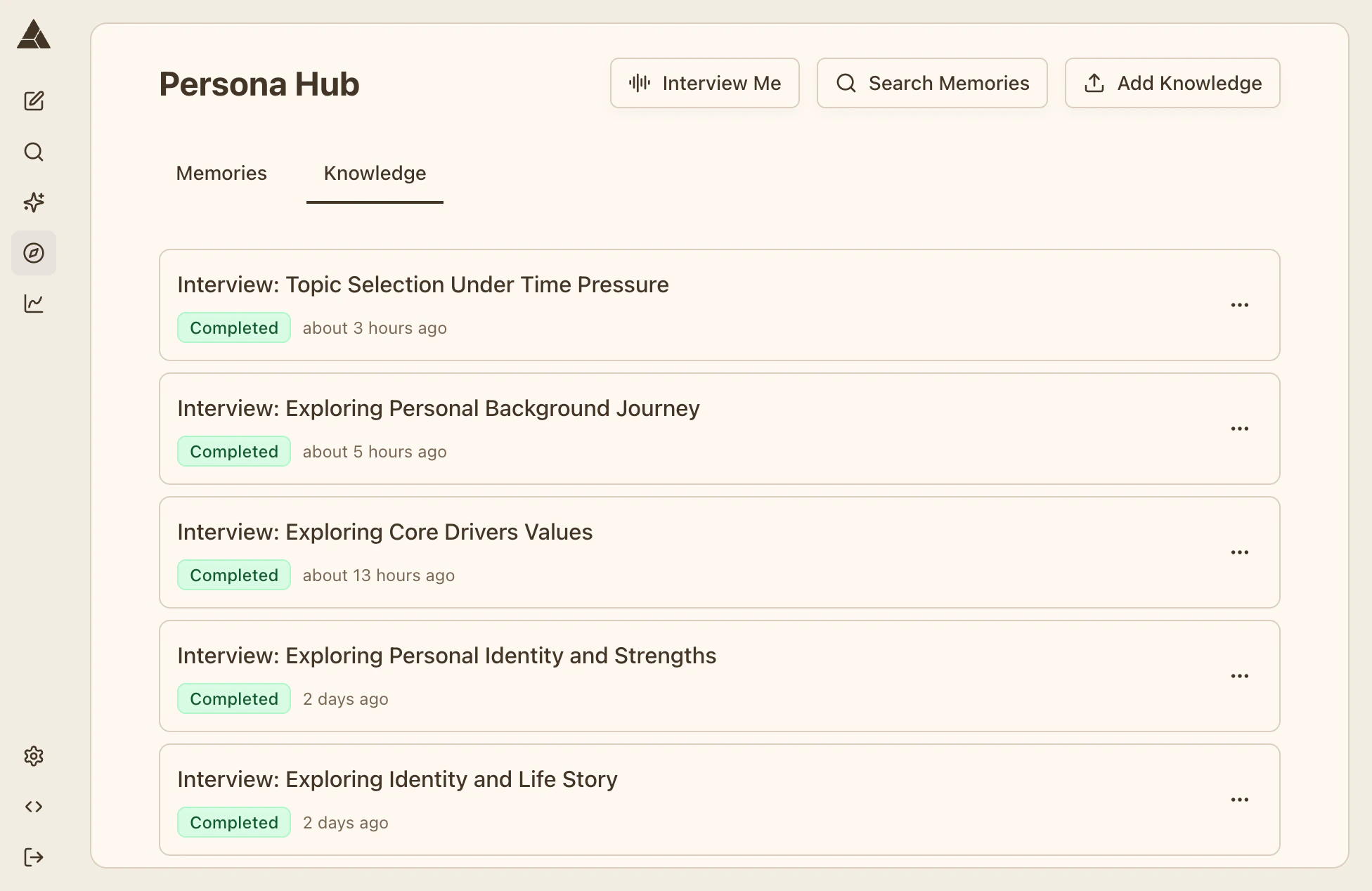
Starting an Interview
Go to Persona → Interview and click «Start Interview». Grant microphone access when prompted, then start talking with your persona.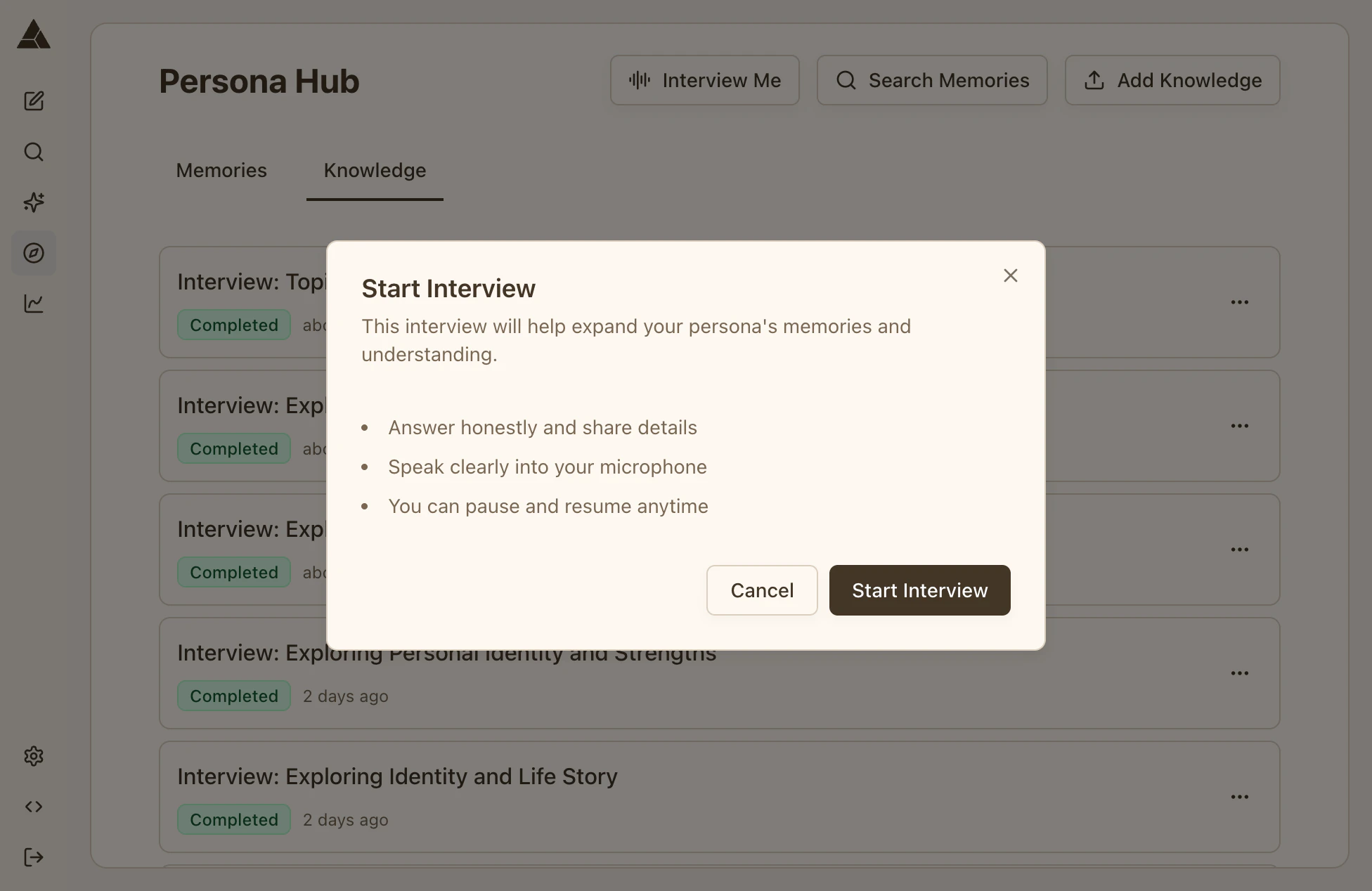
During the Interview
Your persona asks questions and listens to your responses. Speak naturally — the conversation flows like talking to a real person. You can use the controls at the bottom to mute yourself, adjust volume, pause, or finish the interview.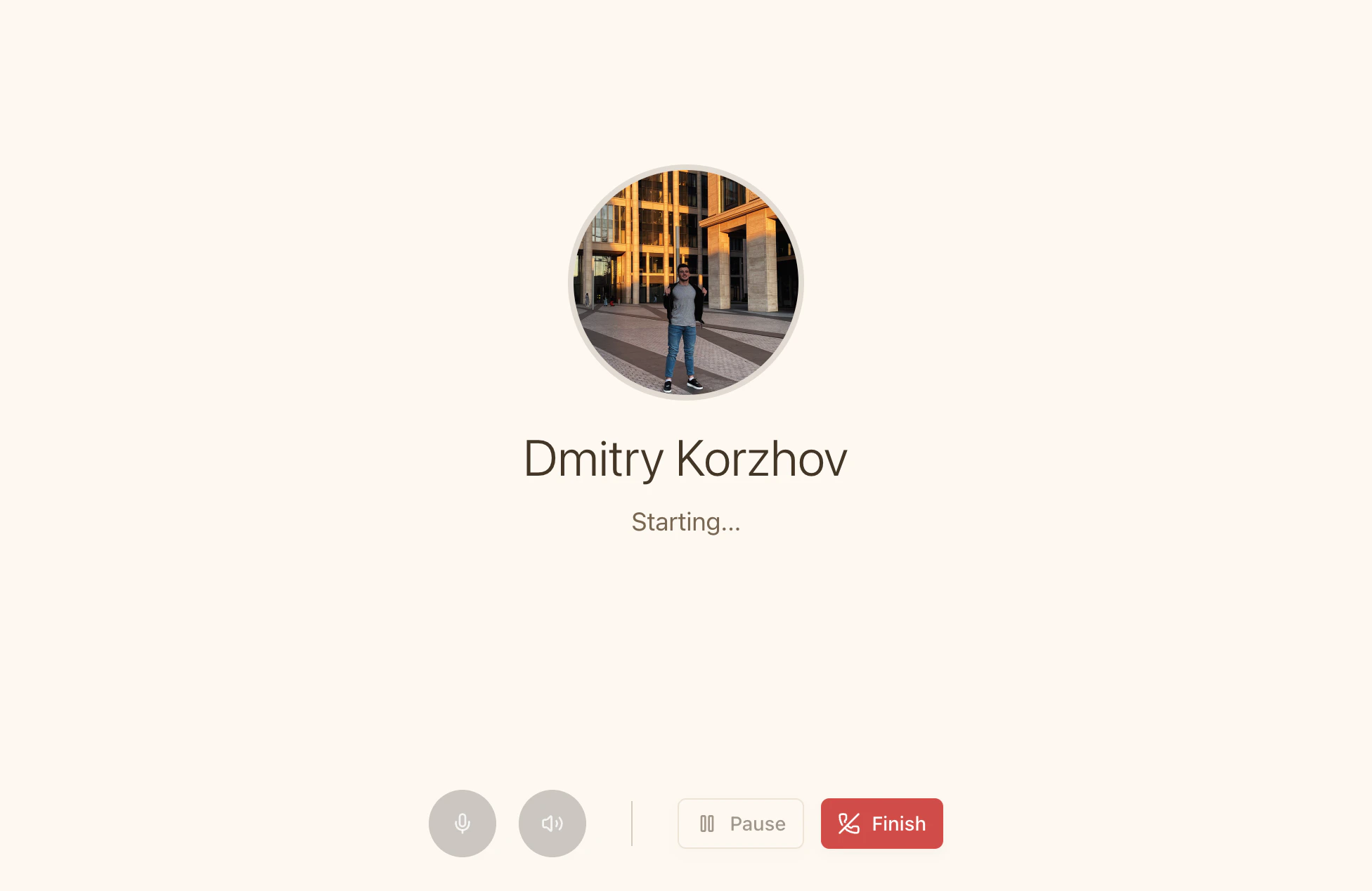
Pausing & Resuming
Click the Pause button anytime to pause the interview. Your progress saves automatically. To resume, return to Persona → Interview and click «Start Interview» again. You’ll see the «Continue Interview» dialog with your paused session. Click continue to resume where you left off, or delete the session to start fresh.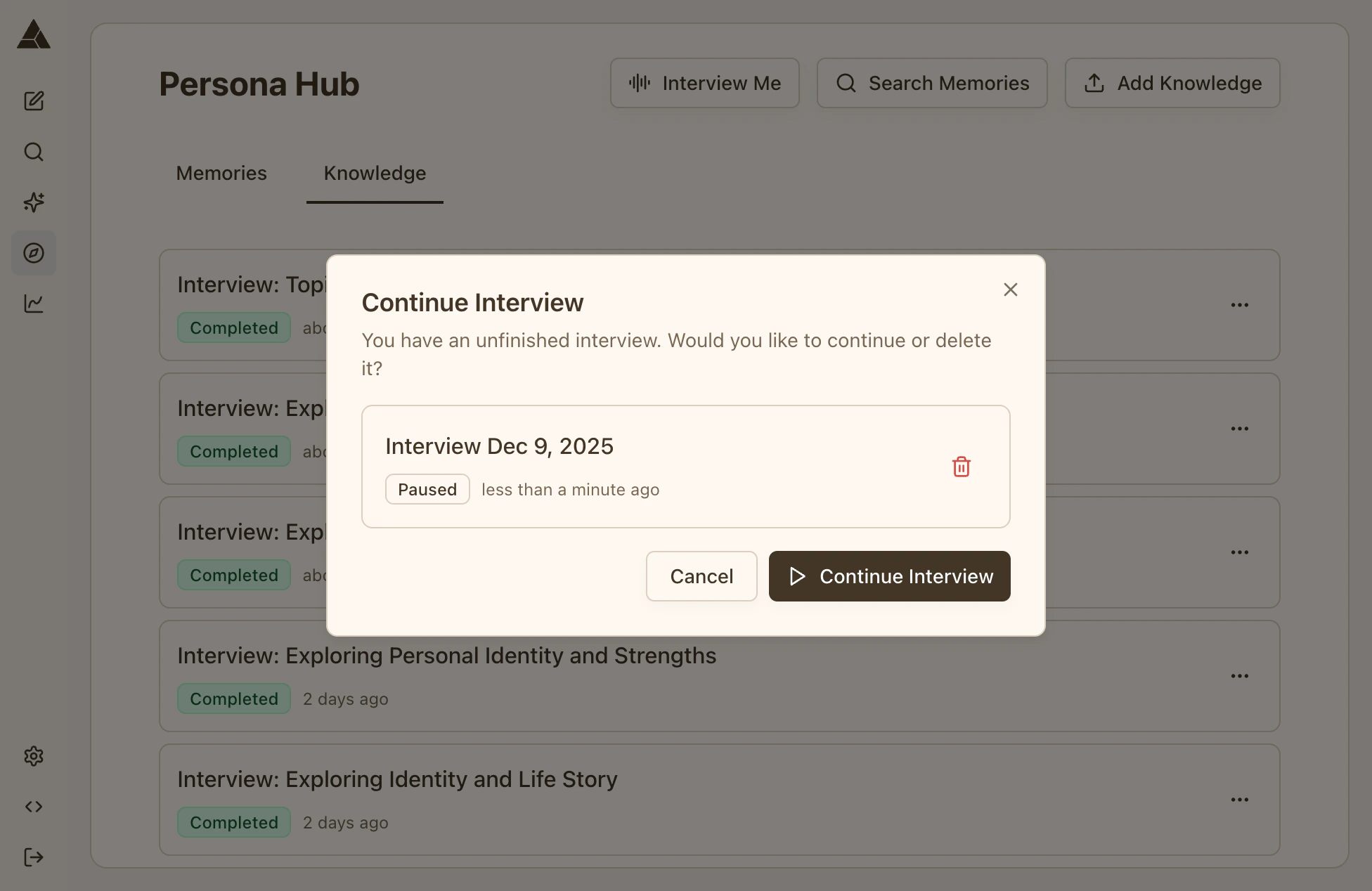
Ending the Interview
Click the Finish button and confirm. You can also ask your persona to pause or end the interview during the conversation. Memories are automatically extracted and added to your persona.Viewing Interview Memories
Go to Persona → Knowledge tab to see all your interviews. Click the three dots (⋮) on a completed interview and select «View Memories» to see what was extracted. Each memory includes the text, category, and topic tags.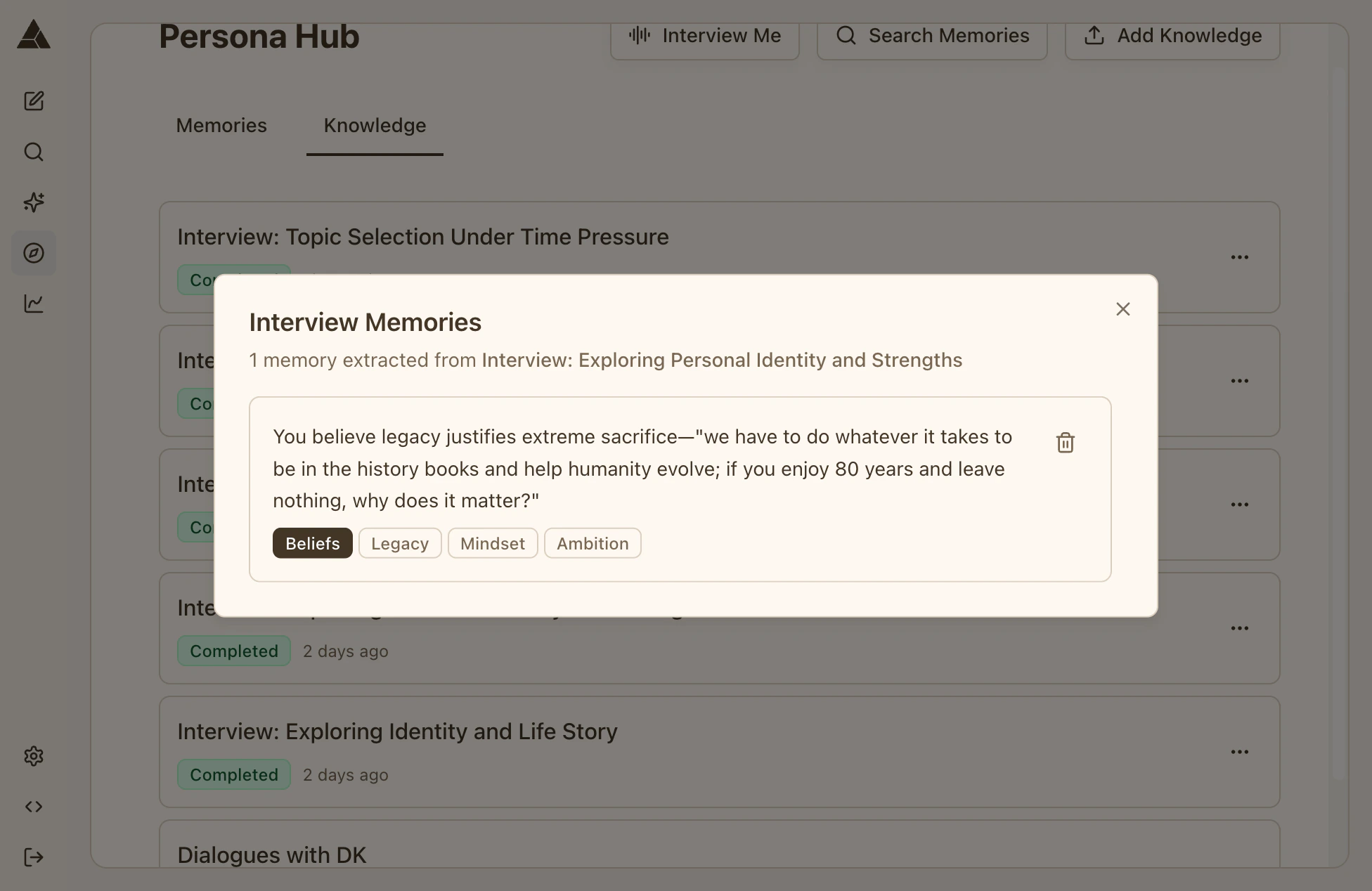
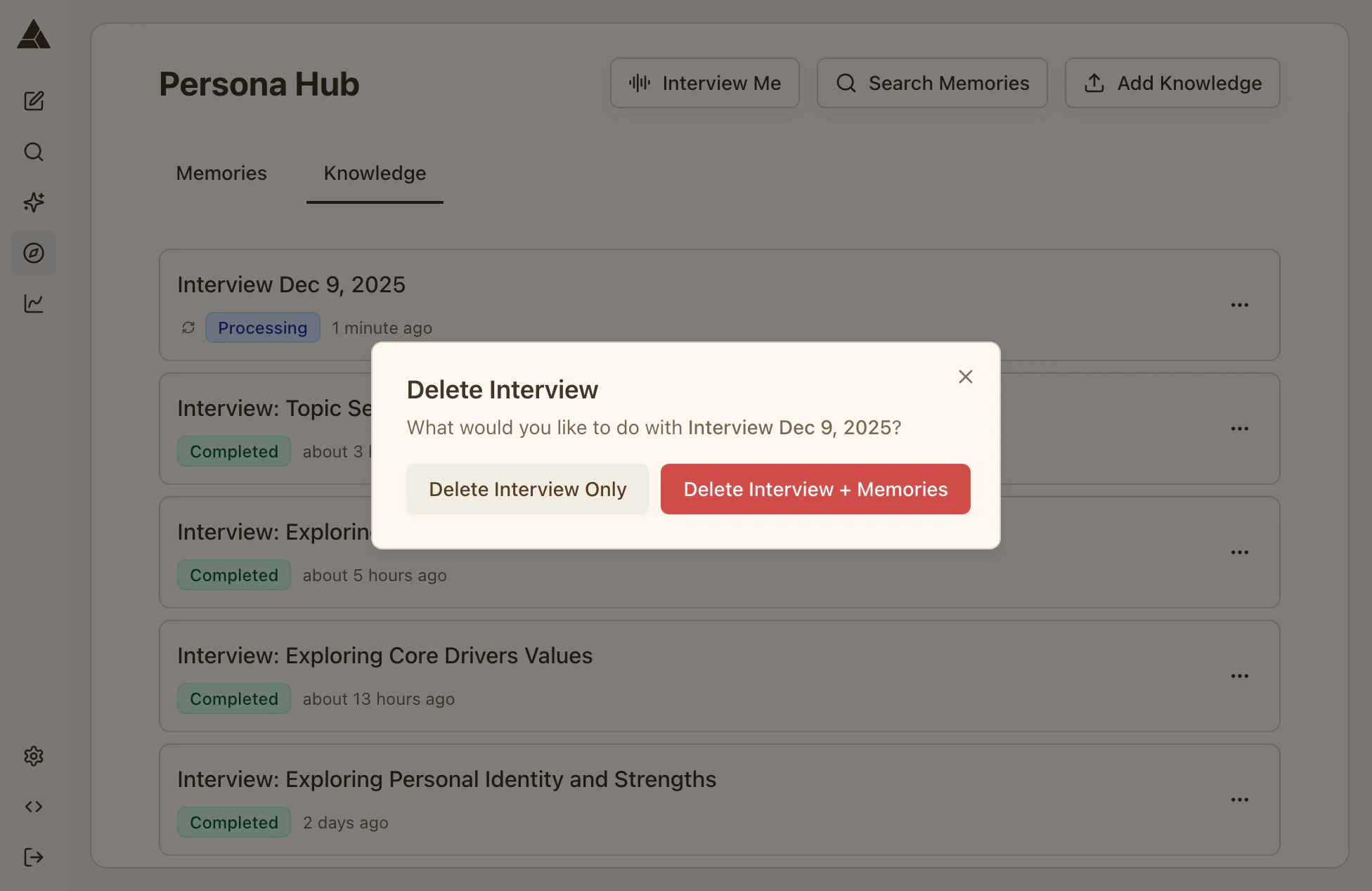
Deleting Interviews & Memories
Delete individual memories by clicking the trash icon next to any memory in the memories dialog. Delete an entire interview (and all its memories) by clicking the trash icon on the interview card in the Knowledge tab.