Public page
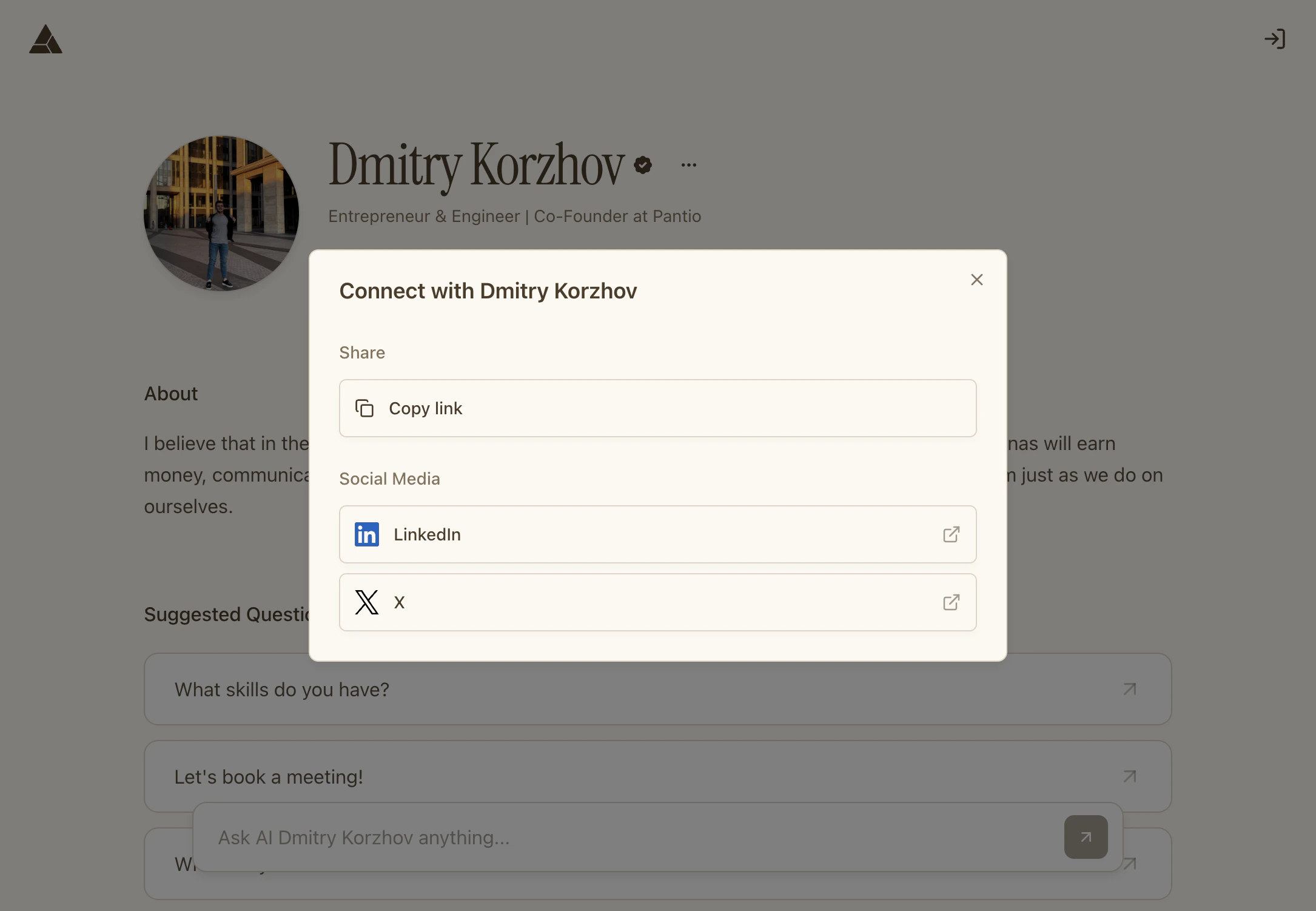
When visitors access your persona (depending on your visibility settings), they see your persona page with profile, bio, starter questions, and social links.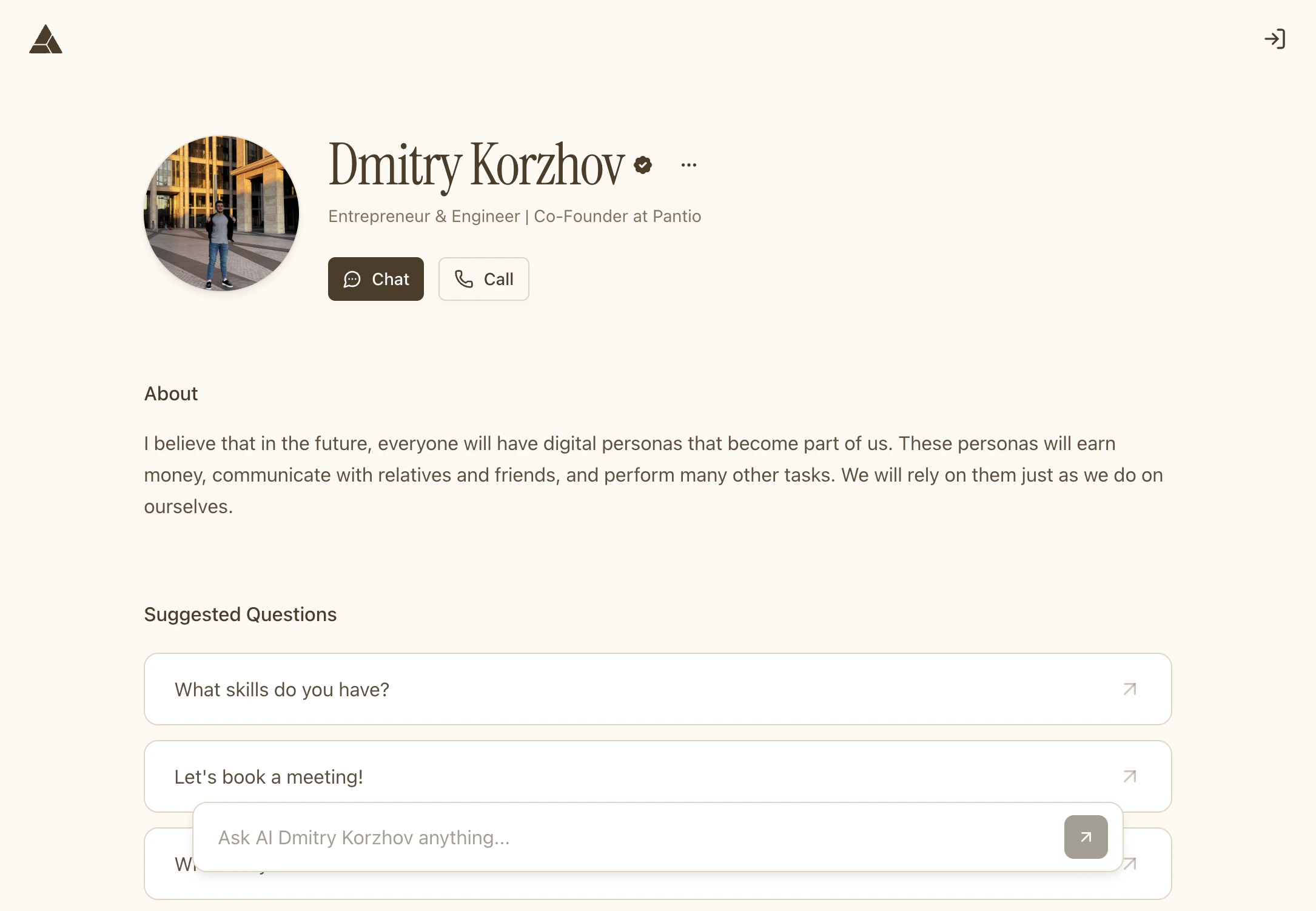
your-username.pantio.io
Page visibility depends on your Visibility setting. If set to Private, no one can access it. Learn more in Set visibility.
Starter questions
Add suggested questions that visitors can use to start conversations with your persona. Navigate to Settings → Personalization to add questions:1
Go to Personalization
Open Settings → Personalization
2
Add questions
Type questions like:
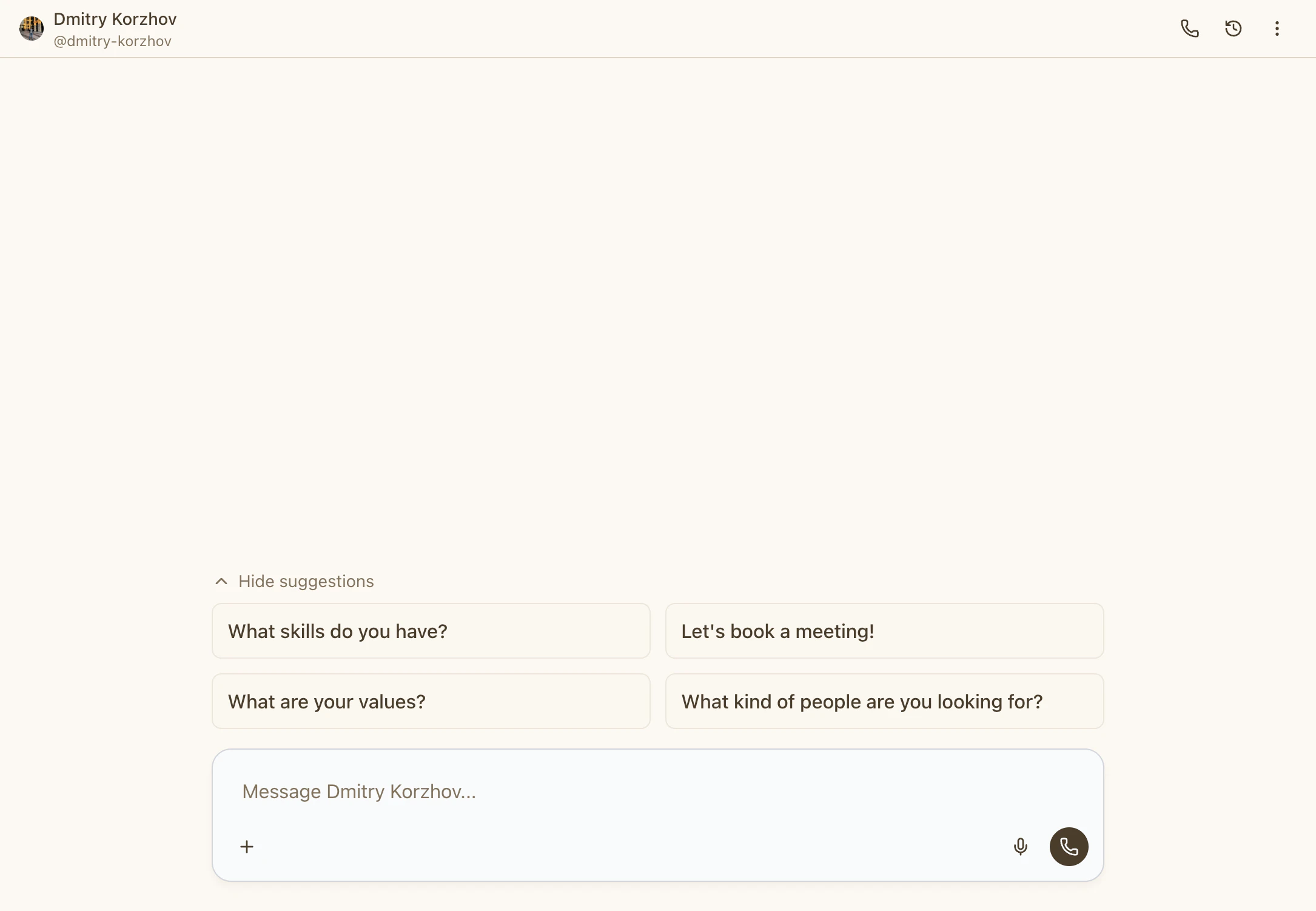
- «What are your values?»
- «What skills do you have?»
- «Let’s book a meeting!»
Social links
Display your social media profiles on your persona page. Add links to:- X (Twitter)
- YouTube
- GitHub
- Any other social platform